
What is Microsoft Power Apps and when should a business use it?
Learn what Microsoft Power Apps is, when a business should use it, when it may not be the right fit, and how it can replace spreadsheets, manual processes, and disconnected workflows.
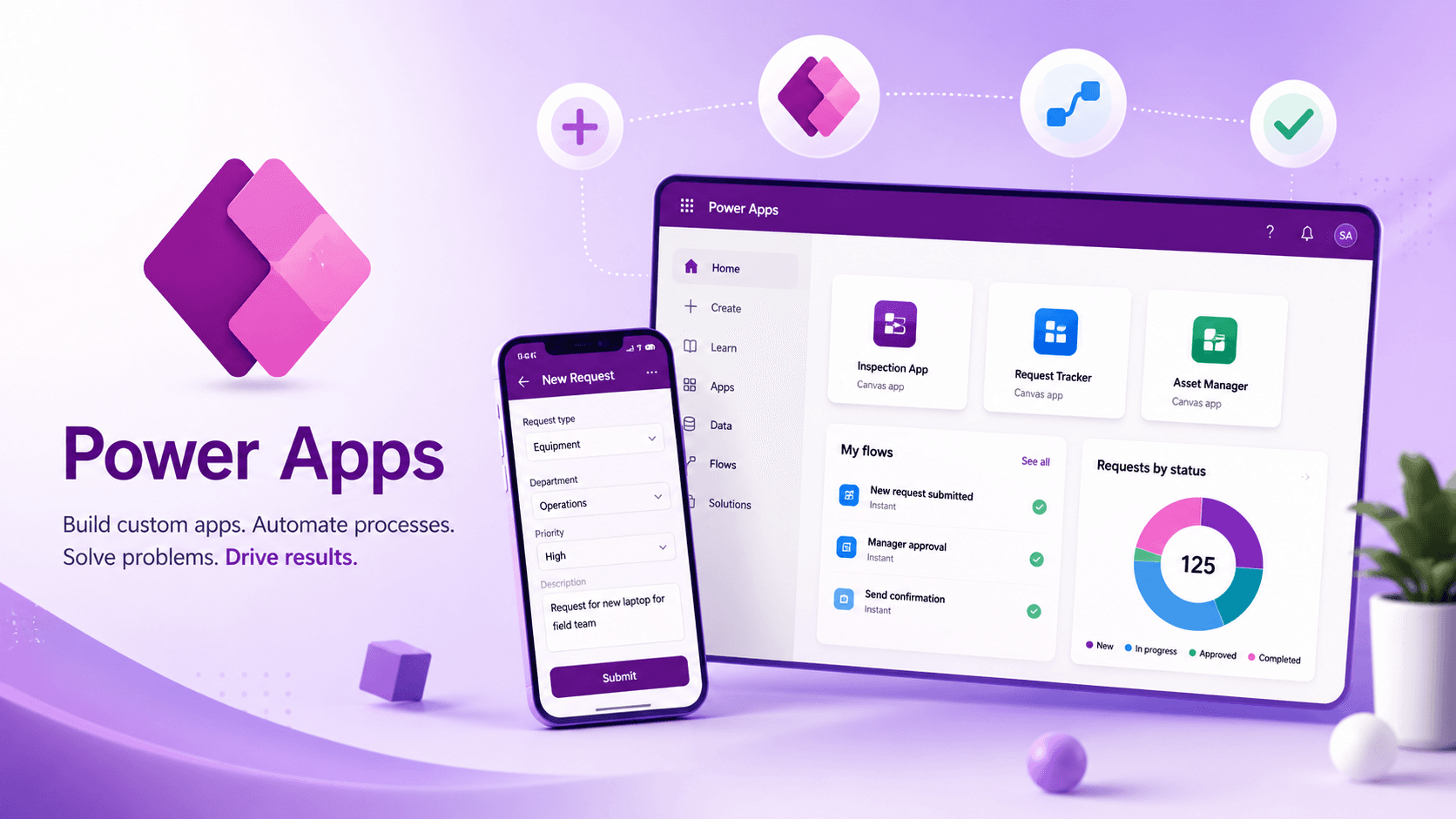
Microsoft Power Apps is a low-code application platform that helps businesses create custom internal apps without starting from a full software development project. It is part of Microsoft Power Platform and is commonly used alongside Power Automate, SharePoint, Dataverse, Microsoft Teams, Microsoft 365, and Azure.
In plain English, Power Apps gives businesses a way to replace messy spreadsheets, manual forms, email-based processes, and disconnected trackers with cleaner apps that are easier for teams to use.
Power Apps is not useful simply because it is “low-code”. It is useful because it gives structure to business processes that have become too manual, too fragile, or too dependent on individual people remembering what to do next.
That makes it a strong option for organisations that already use Microsoft 365 and want practical improvements without jumping straight into a large custom software project.
What is Microsoft Power Apps?
Microsoft Power Apps allows businesses to build applications that run in a browser, on mobile devices, or inside Microsoft Teams. These apps can connect to data sources such as SharePoint Lists, Dataverse, SQL databases, Excel files, Microsoft 365 services, and other systems through connectors.
A Power App usually acts as the front end for a business process. Users can submit information, update records, complete tasks, review requests, approve items, or track progress through a simple app interface.
Power Apps in simple terms
Imagine a team currently manages requests through a shared spreadsheet. Someone fills in a row, emails a manager, waits for a reply, updates a status column, chases missing information, and then manually copies the result somewhere else.
A Power App can turn that into a more controlled process. Staff submit the request through an app, required fields are validated, the request is stored properly, and the right person is asked to review it.
Behind the scenes, Power Automate or another automation service can notify the right people, update the status, record the approval outcome, and keep the process moving without someone manually chasing every step.
What is Power Apps used for?
Power Apps is most commonly used for internal business applications. These are usually apps that help a team run a process more reliably, capture data more consistently, or replace a manual workaround that has quietly become business critical.
These apps are not always glamorous, but they are often the exact systems that keep a business moving. The little internal processes are where time quietly disappears.
Common Power Apps use cases
- Internal request forms and approval apps
- Asset registers and equipment tracking
- Employee onboarding and offboarding checklists
- Project intake and task tracking
- Health and safety reporting
- Inspection and audit apps
- Customer, supplier, or reviewer management tools
- Timesheet, invoice, or operational tracking processes
- Replacing spreadsheet-heavy workflows
Good rule of thumb
If a process currently relies on spreadsheets, shared folders, inboxes, manual reminders, or one person knowing how everything works, Power Apps may be worth exploring.
When should a business use Power Apps?
A business should consider Power Apps when it has a clear internal process that needs more structure than a spreadsheet or email chain can provide, but does not necessarily justify a fully custom software build.
Power Apps is usually a good fit when the business already uses Microsoft 365, SharePoint, Teams, or the wider Microsoft Power Platform. In those environments, Power Apps can often fit naturally into the tools people already use every day.
Power Apps is a good fit when:
- The process is currently managed through spreadsheets, emails, or shared folders.
- Users need a simple app to create, view, edit, review, or approve records.
- The workflow has clear steps, statuses, owners, and handoffs.
- The organisation wants something faster and more practical than a full custom application.
- The process needs better validation, reporting, audit history, or visibility.
- The app is mainly for internal users rather than a public-facing audience.
A good Power Apps project usually starts with one specific operational problem. For example: a spreadsheet that keeps breaking, a request process that gets lost in inboxes, or a manual tracker that only one person understands.
That is also where a Microsoft Power Apps consultant can help: not just by building the app, but by helping shape the process properly before anything is built.
When should a business not use Power Apps?
Power Apps is useful, but it is not the answer to everything. A common mistake is trying to force every business problem into Power Apps just because the tool is available.
Power Apps should improve a process, not hide a broken one behind a nicer screen.
Power Apps may not be the right fit when:
- The process is not properly understood yet.
- The app needs a highly customised public-facing user experience.
- The solution has very high performance or transaction requirements.
- The business needs complex software engineering rather than low-code configuration.
- The licensing model has not been considered.
- Nobody knows who will own, support, or improve the app after launch.
That last point matters. Power Apps can make it easy to build something quickly, but quick builds still need ownership. Without sensible naming, documentation, permissions, testing, and support, a Power App can become just another mystery system.
And let’s be honest, every business already has enough mystery systems lurking in the cupboard.
Power Apps and SharePoint Lists
Many Power Apps start with SharePoint Lists as the data source. This can be a sensible option for simple internal apps, especially when the business already uses Microsoft 365 and wants to keep costs low.
SharePoint Lists can work well for straightforward trackers, simple request forms, small team processes, and apps where the data model is not too complex.
When SharePoint works well with Power Apps
- The app is used by a small or medium-sized internal team.
- The data structure is simple.
- The process does not need complex permissions.
- The business wants to avoid extra licensing where possible.
- The app is replacing a basic spreadsheet or tracker.
However, SharePoint Lists are not always the best long-term data store. If the app becomes more important, more complex, or more widely used, the business may start to run into limits around permissions, data relationships, validation, reporting, and maintainability.
Power Apps and Dataverse
Dataverse is Microsoft’s more structured data platform for Power Platform. It is often a better fit for business-critical Power Apps because it supports stronger data modelling, relationships, permissions, business rules, and security patterns.
If a business is building an app that will be used across multiple teams, handle important operational data, or grow over time, Dataverse is often worth considering early.
When Dataverse is worth considering
- The app is business critical.
- Multiple teams need to use or manage the same records.
- The data model has relationships between different tables.
- The organisation needs stronger permissions and security controls.
- The app may grow into a larger business system over time.
The trade-off is licensing and complexity. Dataverse-backed apps may require Power Apps Premium licensing, so the decision should be made carefully rather than discovered halfway through a project.
This is where early design matters. For some businesses, SharePoint is enough. For others, Dataverse is the better long-term foundation. For more complex reporting or integration needs, an Azure-based solution may also need to be considered.
Power Apps versus a custom application
Power Apps is not a replacement for every custom application. It is best suited to internal business apps where speed, Microsoft 365 integration, structured workflows, and maintainability are more important than completely bespoke design.
A custom application may be better when the system needs public access, advanced performance, complex user experience requirements, unusual integrations, or a level of engineering control that Power Apps is not designed to provide.
The better question to ask
What does the business process need, who will use it, how important is the data, and what will the support model look like after launch?
If the answer points toward a structured internal app, Power Apps may be ideal. If the answer points toward complex engineering, public-facing scale, or unusual technical requirements, another approach may be better.
Questions to ask before building a Power App
Before building a Power App, it is worth slowing down and answering a few practical questions. This avoids simply rebuilding the same messy process in a newer tool.
Discovery questions before build
- What business process are we trying to improve?
- Who creates, updates, reviews, and owns each record?
- Where should the data live?
- What validation rules are needed?
- What happens after someone submits the form?
- Are approvals, notifications, or escalations required?
- What reporting or audit history is needed?
- Who will support the app after it goes live?
These questions are not admin for the sake of admin. They are what stop a useful app becoming a digital junk drawer.
For businesses with several disconnected tools or manual handoffs, it is also worth looking at systems integration alongside the app itself. Sometimes the app is only one part of the wider problem.
So, is Power Apps worth it?
For many businesses, yes. Power Apps is absolutely worth considering when the organisation already uses Microsoft 365 and has internal processes stuck in spreadsheets, inboxes, manual trackers, or disconnected systems.
It can help teams reduce manual admin, improve data quality, make approvals easier, and give managers better visibility over what is happening.
But the key is to start with the process, not the tool. A good Power Apps solution should be simple to use, clear to support, and designed around the way the business actually works.
The best Power Apps projects are not just app builds. They are process improvement projects with a useful app at the centre.
How Solvanto can help
Solvanto helps businesses design and deliver practical Microsoft Power Apps, Power Automate workflows, SharePoint-based solutions, Dataverse-backed apps, and wider Power Platform improvements.
If you have a spreadsheet-heavy process, a manual workflow, or an internal system that is becoming painful to manage, the best first step is usually to review the process properly and decide whether Power Apps is the right fit.
You can learn more about Power Platform services, Microsoft Power Apps consultancy, Power Platform for small businesses, automation services, or systems integration on the Solvanto website.
If you are not sure whether Power Apps, Dataverse, SharePoint, Azure, or a different approach is right, that is usually the right time to speak before building. It is much easier to choose the right foundation early than to rescue a rushed app later.